
What Is BB Better Layout?
BB Better Layout is a browser extension that improves Blackboard Ultra. It gives students a cleaner interface and helps them move through everyday tasks more efficiently.
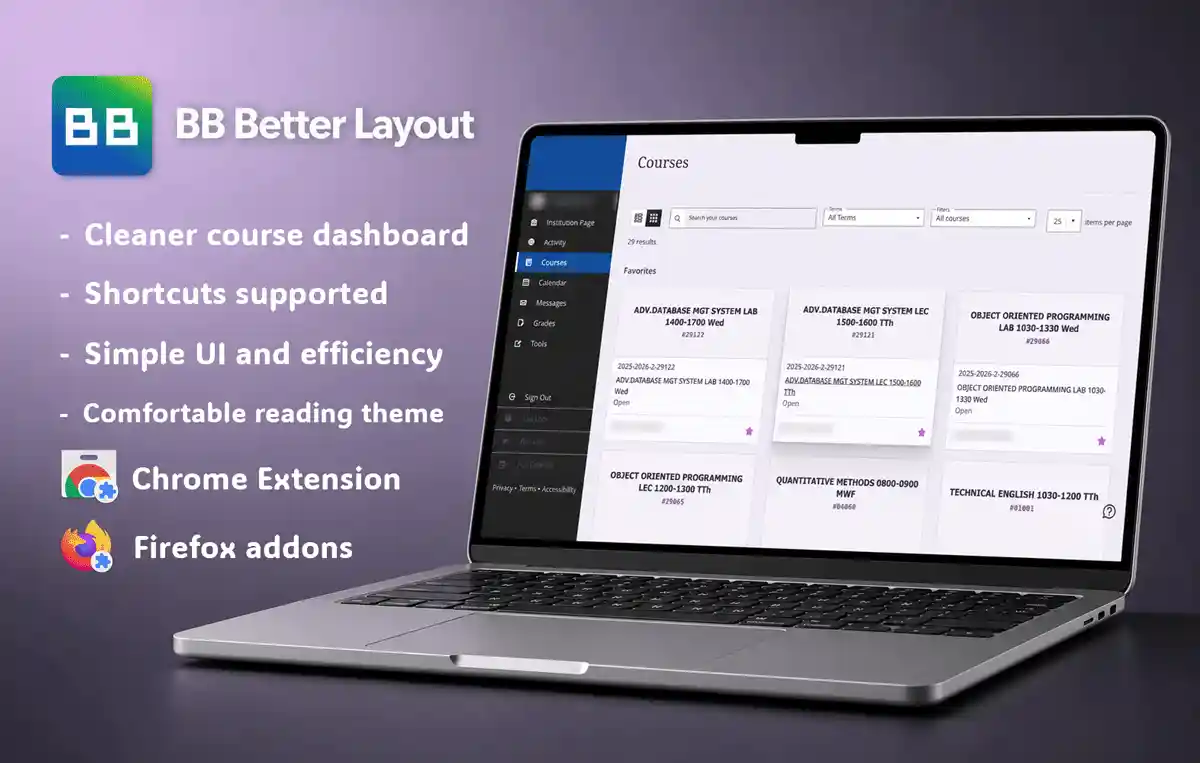
Features
- Collapsible Dashboard side navigation with a persistent 64px icon rail
- Simple subject banner
- Back to top button
- Nine reading appearances and customizable keyboard shortcuts
- Optional device-local custom image for course-page covers
- Keyboard course switching plus context-aware Course Content and Roster search
- Appearance-aware styling for Blackboard's official Courses-page To Do panel
- Device-local Study Note workspace with notebooks, Markdown Write/Preview, search, quick notes, and append-safe JSON/CSV backup import
- Device-local weekly Schedule with explicit Blackboard course import plus editable imported or manual course details
- Up to six optional custom sidebar links with validated URLs and Google Material icons
What you can do with this extension
- Collapse the Dashboard navigation to icons only and restore it from the footer control without losing your preferred state after a reload.
- Open the searchable Your Courses switcher from a single course without leaving it, while keeping Course Content and Roster search on the separate Search Current Page shortcut.
- Choose a comfortable reading appearance.
- Keep the Courses-page To Do panel visually consistent with the selected reading appearance without losing overdue warning colors.
- Organize notes into notebooks, write and safely preview common Markdown, and capture a quick note from any Blackboard page using a customizable shortcut.
- Export Study Note data as JSON or CSV, then append either backup format later without clearing existing notes.
- Import the currently loaded Blackboard course cards into a weekly timetable only when you request it, or type a manual course name while keeping imported course suggestions available.
- Start with Study Note and Schedule visible by default, then disable either feature without deleting its local data.
- Create your own sidebar destinations, then hide or restore the group without deleting its settings.