
Getting Started
Video Guide
Add BB Better Layout to Chrome
Visit the Chrome Web Store and select Add to Chrome.
BB Better Layout on the Chrome Web Store
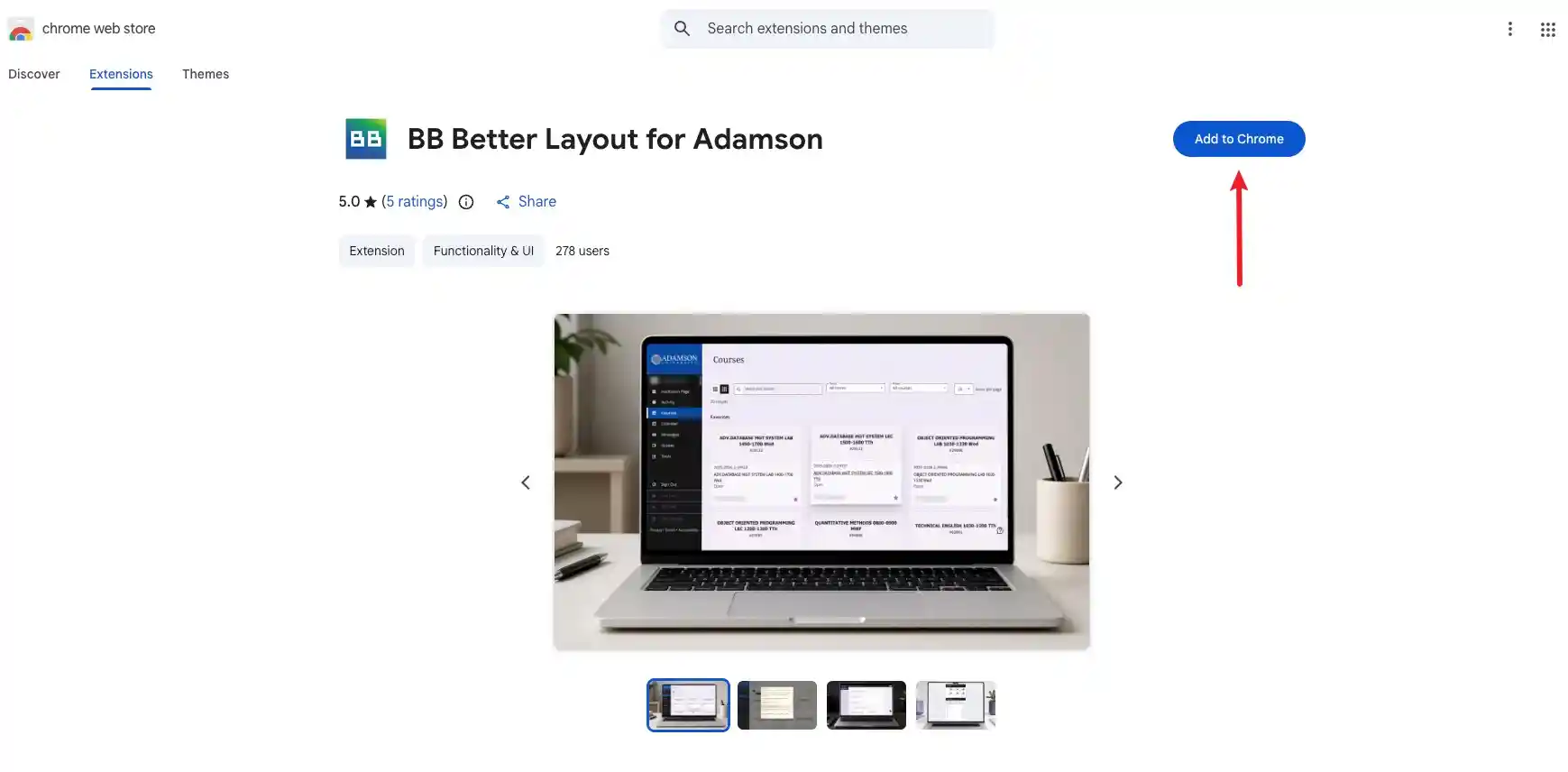
Figure 1. Add BB Better Layout from the Chrome Web Store.
Add BB Better Layout to Firefox
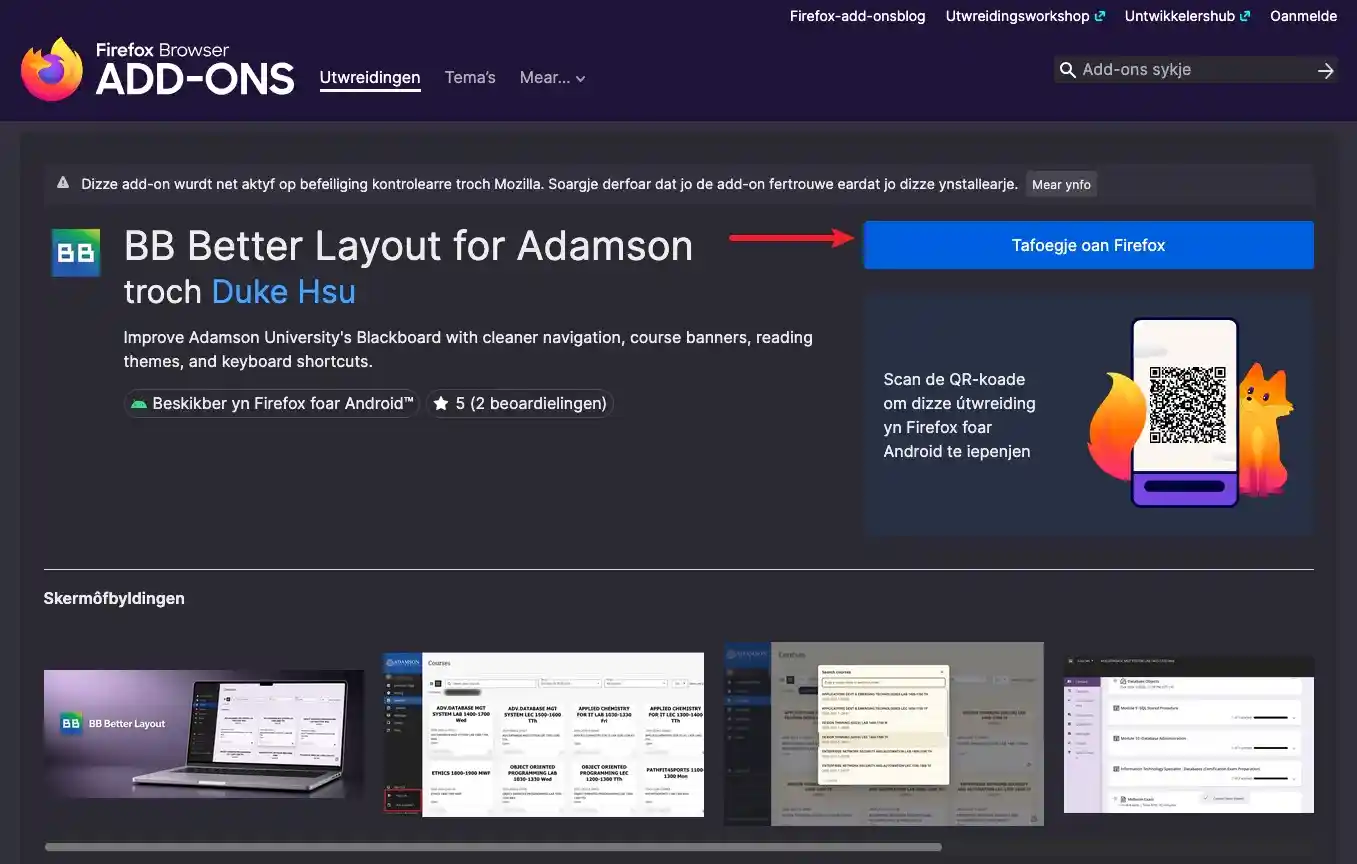
Visit Firefox Browser Add-ons and select Add to Firefox.
BB Better Layout on Firefox Browser Add-ons
Pin It to Your Browser Toolbar
Chrome
- Select the Extensions puzzle-piece icon in the upper-right corner of Chrome.
- Find BB Better Layout in the list.
- Select the Pin icon beside it. The extension icon will stay visible next to the address bar.
Firefox
- Select the Extensions puzzle-piece icon in the upper-right corner of Firefox.
- Find BB Better Layout, then select the Settings gear beside it.
- Select Pin to Toolbar.
You can now open BB Better Layout directly from your browser toolbar.